ReleaseProduct

DevSwarm 2.1.0 Release Notes

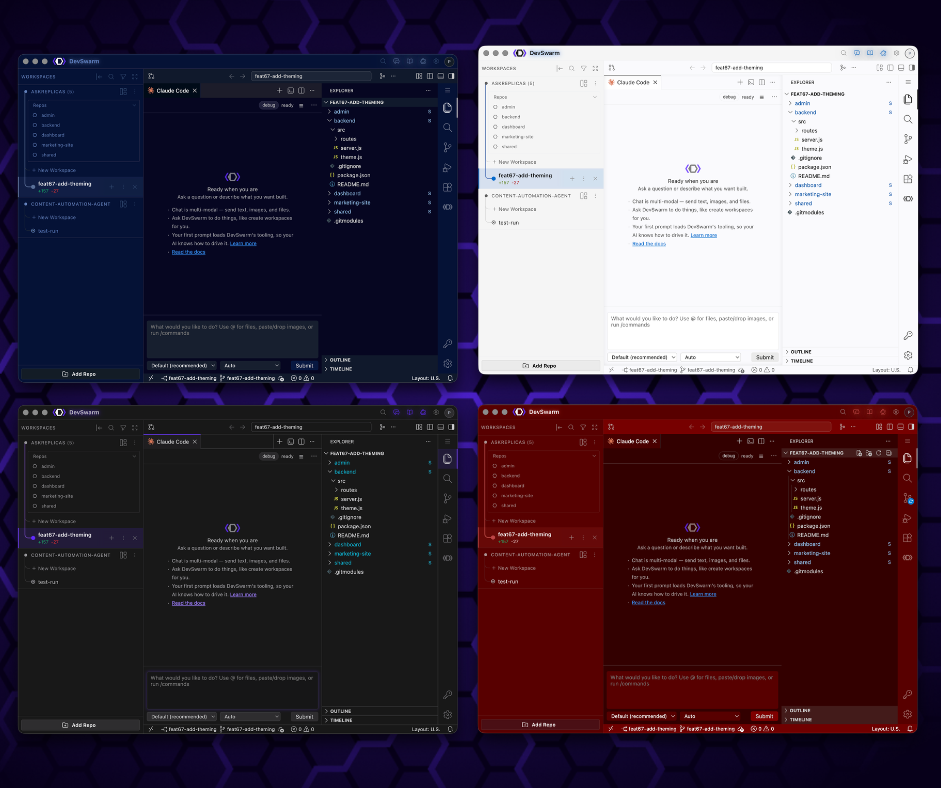
DevSwarm 2.1 delivers a redesigned sidebar with branch hierarchy, the new DevSwarm Tool for AI-driven workspace management, inter-workspace messaging, and critical bug fixes.

Steve Ransom April 17, 2026 1 min read
BuilderProductDeveloper

5 DevSwarm Features You're Probably Not Using (But Should Be)

Keyboard shortcuts, one-click workspace creation from Jira or GitHub, split terminals, a built-in diff viewer, and more. Six underused DevSwarm features worth knowing.

DeveloperProductLocalAI

Why Worktrees Aren't Enough

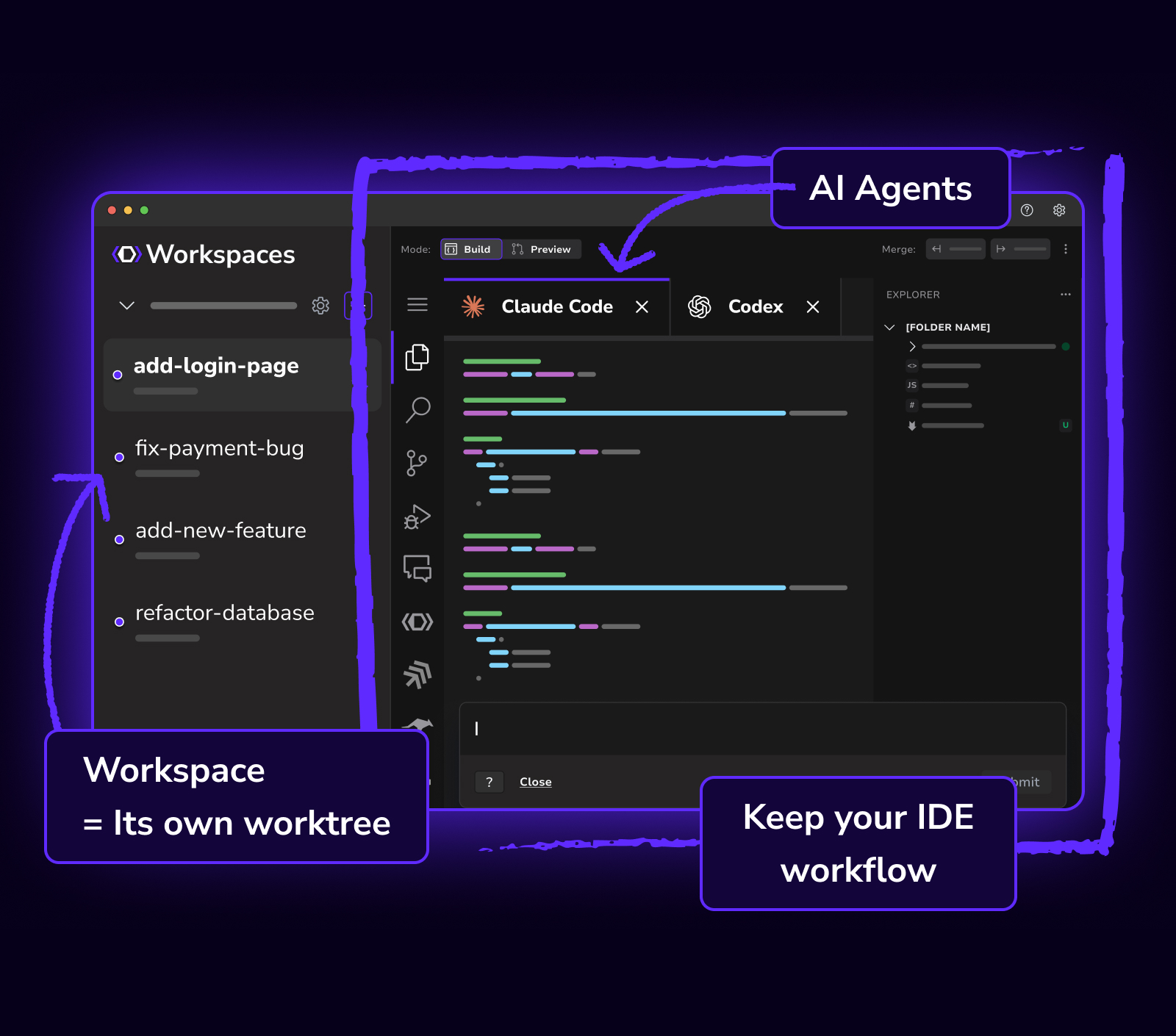
Git worktrees solve isolation for parallel AI development, but professional workflows need more: your IDE, your extensions, and your configuration. DevSwarm 2.0 embeds a full VS Code environment in every workspace.

ProductPricing

DevSwarm Pricing, Explained: Free Parallel AI Coding with Room to Grow

DevSwarm is now free with no feature limits. Pro is $8/month, Team is $18/month, and we never mark up your AI token spend. Here's how the new pricing works.

ProductAIBuilderDeveloper

Why use DevSwarm instead of multiple Claude Code windows

Claude Code is the best AI coding agent available. But opening five terminal tabs isn't parallelism: it's a race condition. Learn how Git worktrees solve this and why DevSwarm makes them invisible.

ReleaseProduct

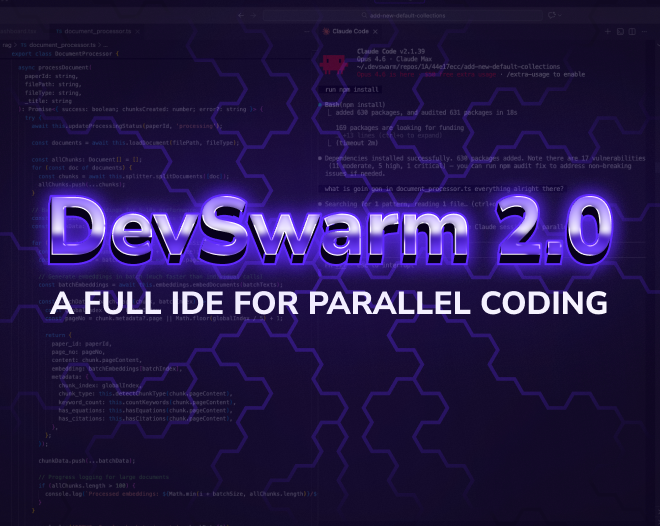
DevSwarm 2.0: A Full IDE for Parallel AI Coding

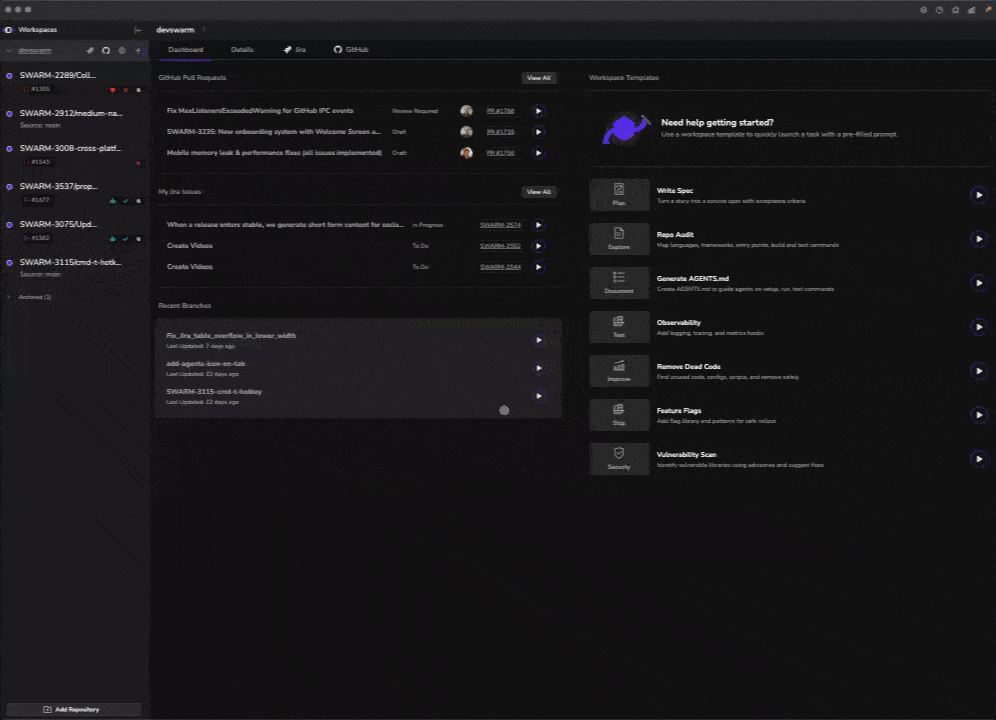
DevSwarm 2.0 adds a complete integrated development environment built on VS Code's open-source codebase, with AI terminal sessions as editor tabs, nineteen AI coding agents, and a keyboard-driven workflow for parallel development on macOS and Windows.

AIDeveloper

Use the Best AI Coding Agent of Today and Tomorrow

Stop betting on one AI coding agent. DevSwarm future-proofs your stack by running Claude Code, Copilot CLI, Gemini CLI, and more in parallel branches.

A Day Building DevSwarm with DevSwarm

The DevSwarm team builds DevSwarm with DevSwarm. Learn how parallel AI coding agents, Git worktree isolation, and real-time orchestration compress weeks of work into days.

DevSwarm 1.2.0: The Unified Builder Interface

DevSwarm 1.2.0 adds terminal tabs for parallel AI coding sessions, Auggie CLI and Plandex CLI agents, Quick Open file search, and split views. Run multiple AI assistants side-by-side in isolated workspaces.

Seven New AI Agents and Stability Improvements

The swarm grows: seven new AI assistants join DevSwarm

Parallel vs Serial Development: A Visual Guide for AI Coding Teams | DevSwarm

See a clear visual comparison of serial vs parallel development and why parallel AI workflows eliminate bottlenecks, reduce risk, and increase real engineering velocity.

What Is Multi-Agent Coding? A Developer’s Guide | DevSwarm

Multi-agent coding lets multiple AI agents work in parallel on isolated tasks. Learn how it works, why isolation matters, and why developers should care.

Why DevSwarm Runs Locally: Secure AI Coding Without Losing Control | DevSwarm

DevSwarm is local-first by design. Learn why running AI coding workflows locally improves security, control, and trust—without sacrificing flexibility.

Why Single-Agent AI Coding Is Already Obsolete | DevSwarm

Single-agent AI coding tools create hidden bottlenecks. Learn why parallel, multi-agent workflows are replacing serial AI development… and what comes next.

Building DevSwarm: a Parallel AI Coding Case Study

Discover how our team built DevSwarm, the first Augmented Development Environment (ADE) designed for parallel AI coding. Learn how we used AI to build the tool itself, accelerated development with multiple assistants, and shipped Beta 5x faster.

AI-Assisted Coding Has Evolved: Meet DevSwarm

DevSwarm just launched! Experience the first AI-powered Augmented Development Environment (ADE) built to help developers run multiple coding assistants in parallel, streamline workflows, and code at the speed of flow. Try the Beta free today!

HiVE Coding vs Vibe Coding: High-Velocity Engineering for Pro Devs

Vibe coding is fine for prototypes, but it accrues vibe debt. HiVE coding lets production teams ship fast with quality using parallel AI assistants, branch isolation, reviewable diffs, and reproducible workflows.