

Up and Running in 5 Minutes

Download DevSwarm, connect an AI coding agent, and create your first parallel workspace. No complex setup required.
Prerequisites

Git installed — DevSwarm uses Git worktrees under the hood. Download Git if you don't have it.
An AI agent account — You'll need an API key or subscription for at least one supported AI agent (e.g., Claude Code, Gemini, Codex, Aider).
A Git repository — Any local Git repo you want to work on. DevSwarm works with any language or framework.
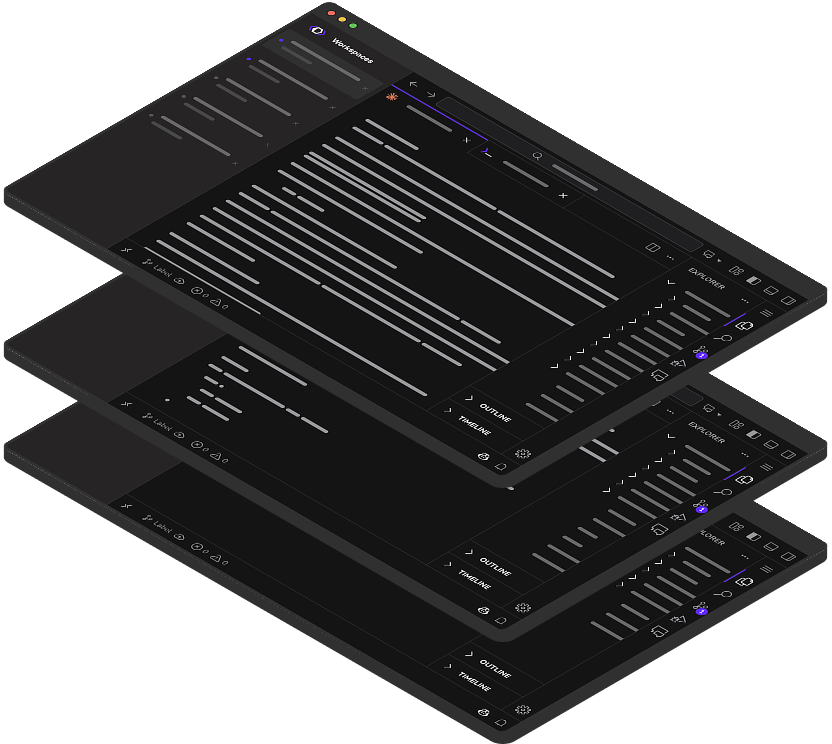
Download DevSwarm
Download the installer for your platform. DevSwarm runs natively on macOS and Windows (with WSL).
Installation takes under a minute. DevSwarm stores all data locally in ~/.devswarm/.
Add a Repository
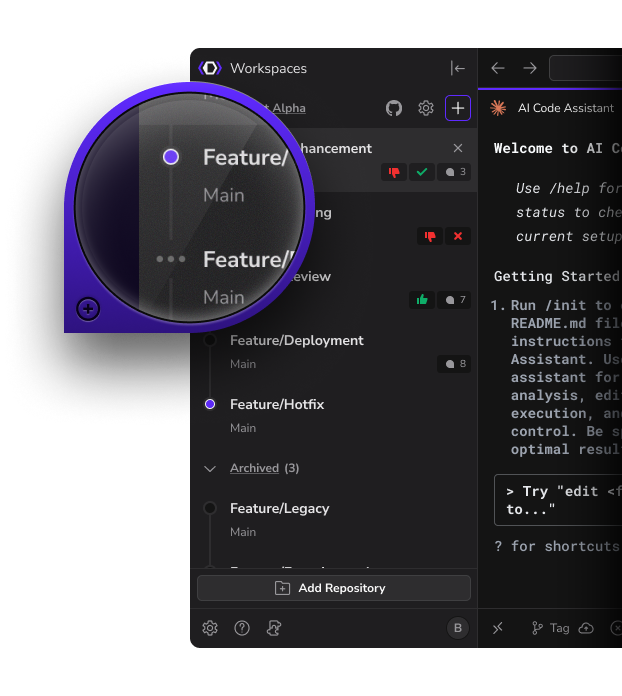
Open DevSwarm and click "Add Repository" to connect a local Git repo.
DevSwarm uses Git worktrees to create isolated branches for each workspace. Your main branch stays untouched while AI agents work on separate worktrees.
Connect Your First Agent
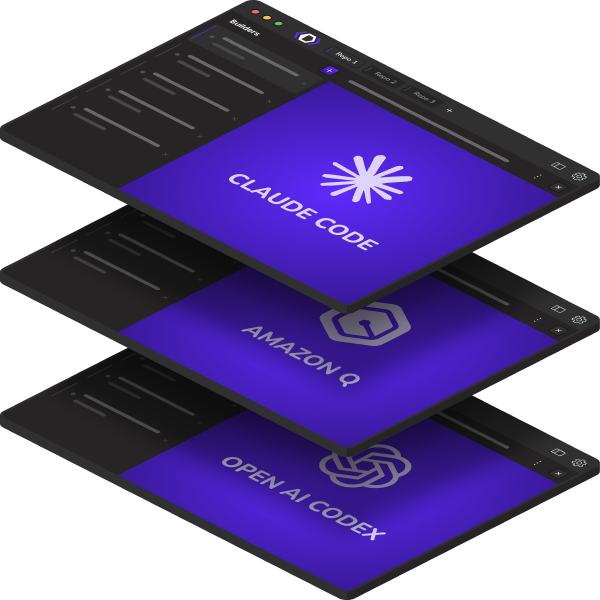
Choose from 19+ supported agents and configure your API key or local model path.
Cloud agents like Claude Code and Gemini need an API key. Local agents like Aider with Ollama run entirely on your machine. You can mix and match.
Create Your First Workspace
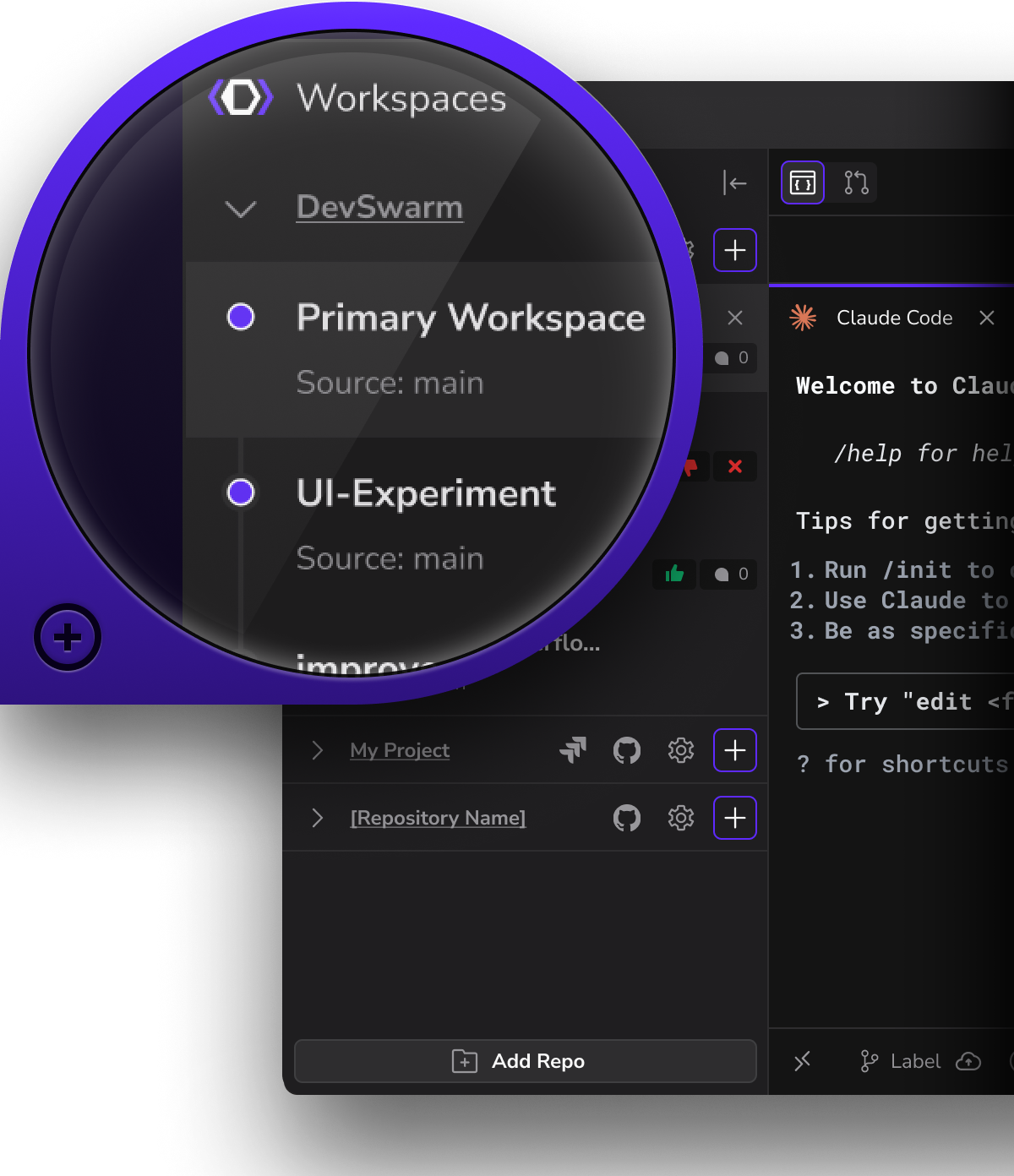
Click "New Workspace" to create an isolated branch with a connected AI agent.
Each workspace gets its own Git worktree, terminal, IDE, and AI agent. Start prompting your agent to write code, fix bugs, or explore the codebase.
Go Parallel
Create a second workspace. This is the "aha moment" — two AI agents working on two branches simultaneously.
One workspace on a feature, another on a bugfix, a third on tests. Each isolated, each with its own AI agent, all in the same repository. Review and merge when ready.
Keep Going
Read the docs — Full documentation for all features and workflows
Browse supported agents — See all 19+ agents and find the right ones for your workflow
Read the blog — Tips, case studies, and release announcements
Join the Discord — Get help, share feedback, and connect with other developers
